← Back to Blog
14 June 2026
7 Of The Best Free Plugins for Beginner and Professional Producers
OTT, Vital, Valhalla Supermassive and four more. These are the best free plugins that actually get used — not just downloaded and forgotten.
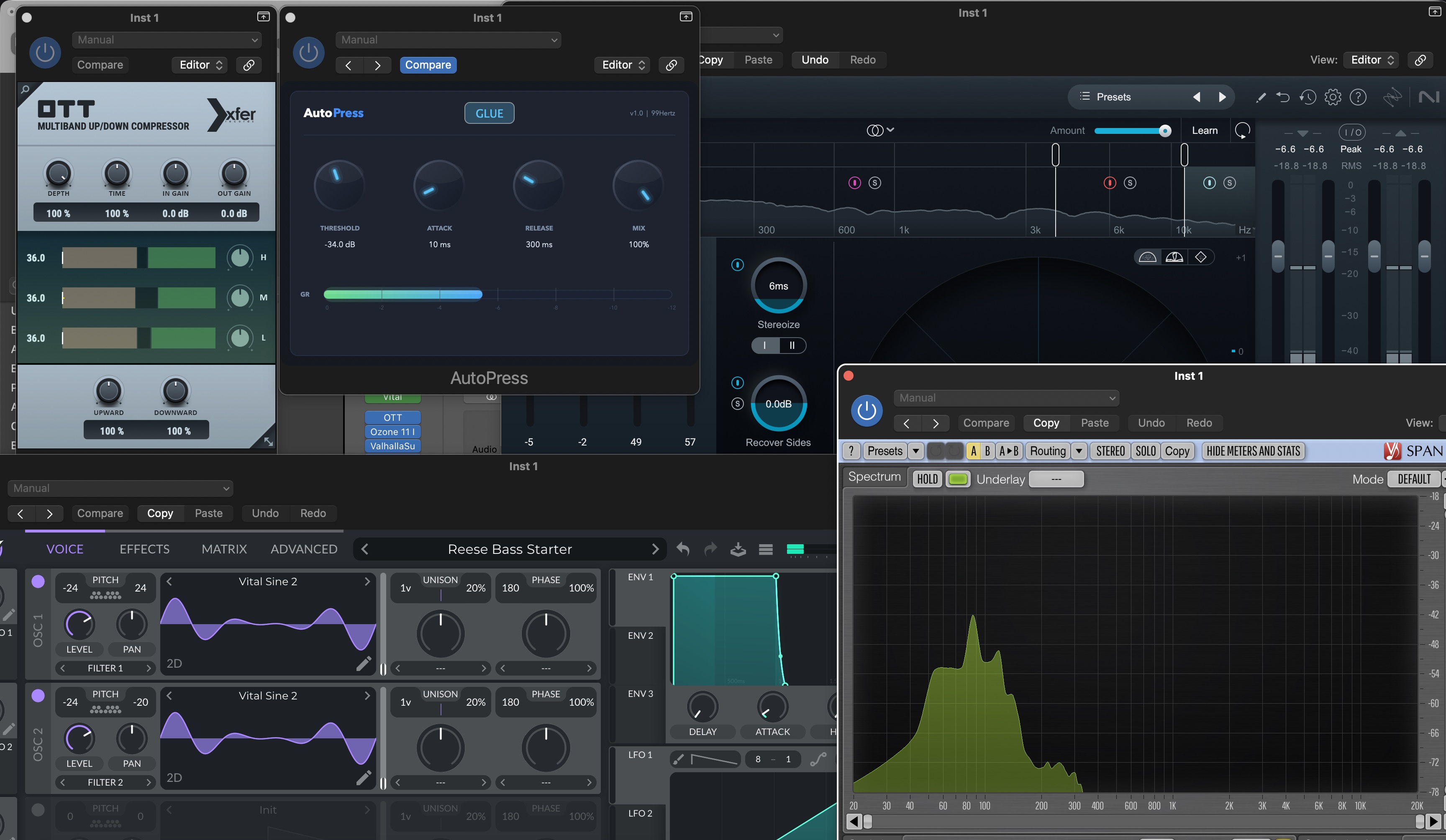
The Best Free Plugins that even Pro Producers still use in every session
Music production can get very expensive, from software to plugins it can rack up into the thousands. These are 7 of the Best Free Plugins compete with the paid versions and are still used be top producers in every session! Just because it's free doesn't mean its bad.
1. AutoPress — 99Hertz
Compression is one of the most important tools in music production, and one of the hardest to learn. It controls the dynamic range of a sound — how loud the quiet parts are relative to the loud parts — but getting the settings right takes experience that most beginners don't have yet.
AutoPress solves this. Put it on any track, hit the LEARN button, and it listens to your audio and sets everything for it automatically — threshold, attack, release and ratio. You don't need to know what those mean to get a great result. It also has a GLUE mode which adds an SSL-inspired bus compressor on top, tightening everything up and making your mix feel like one cohesive record rather than separate parts.
If you've ever put a compressor on something and just moved knobs hoping for the best, this is the plugin you needed.
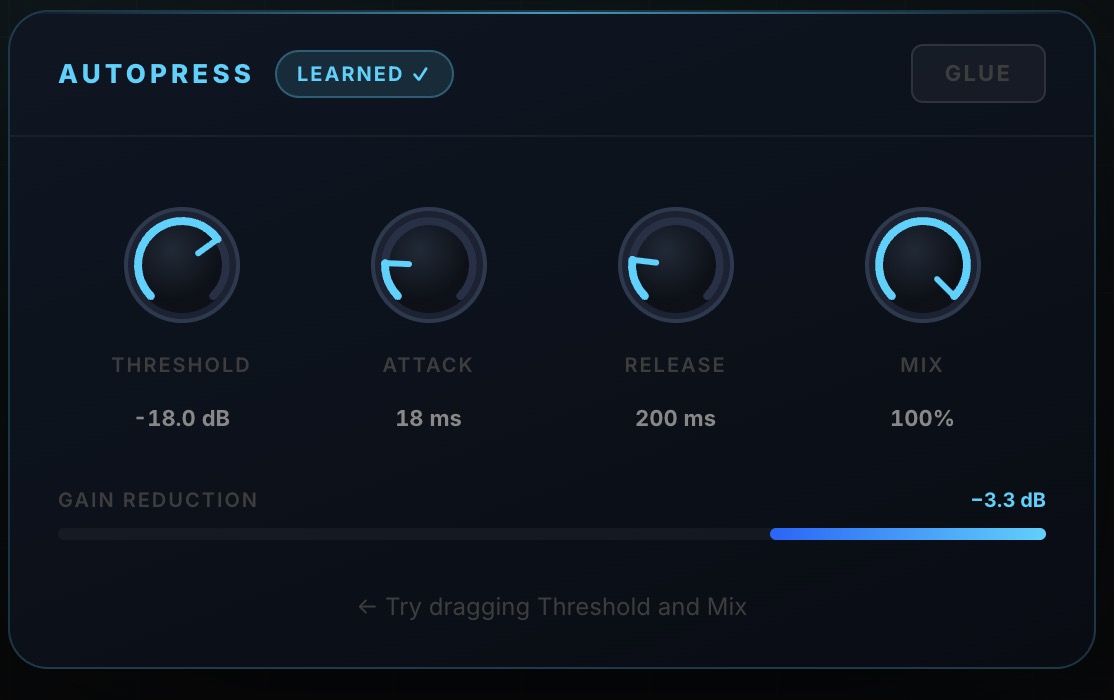 Download: 99hertz.com — free, VST/AU/AAX, Mac & Windows
2. OTT - Xfer Records
OTT stands for "over the top" — which tells you exactly what it does. It's a multiband compressor, which means it splits your audio into three frequency ranges (low, mid, high) and compresses each one independently at the same time.
The result is a sound that's dense, punchy and present. Turn the depth knob down to around 20–30% and it adds energy without being obvious. Crank it up and it gets aggressive — which is exactly what electronic music often needs. You'll hear it on synths, basses and leads in virtually every genre of electronic music.
Start with a low depth setting and increase it until the sound cuts through better. That's it.
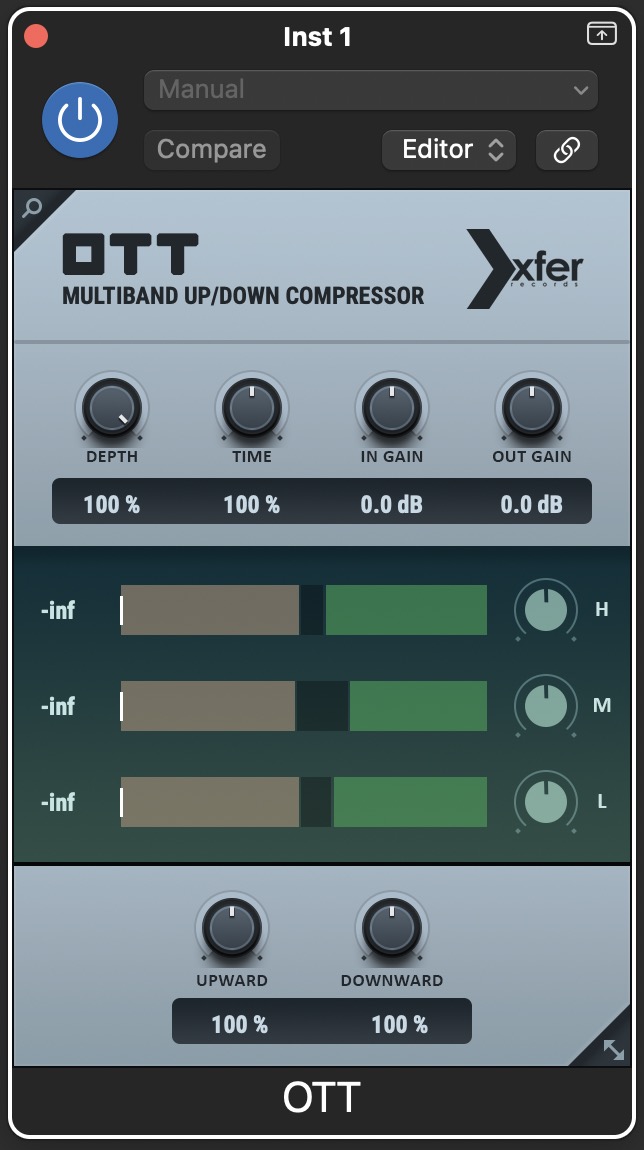 Download: xferrecords.com — free, VST/AU/AAX, Mac & Windows
3. Pancake 2 — Cableguys
A tempo-synced auto-panner with a drawable LFO. You set the shape of the modulation yourself — how fast it moves, how far, whether it's smooth or sharp. Two independent LFOs let you do different things to each channel.
Most useful on sustained pads and chords where you want the sound to feel like it's moving without it being distracting. At short note values it creates a chopped, rhythmic effect — useful if you want that stuttered feel without routing through a sidechain compressor. It's a small plugin that solves a specific problem well.
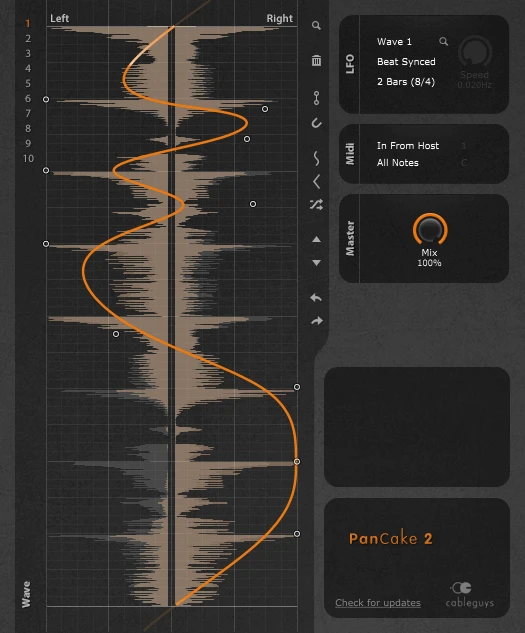 Download: cableguys.com — free, VST/AU/AAX, Mac & Windows
4. Ozone Imager — iZotope
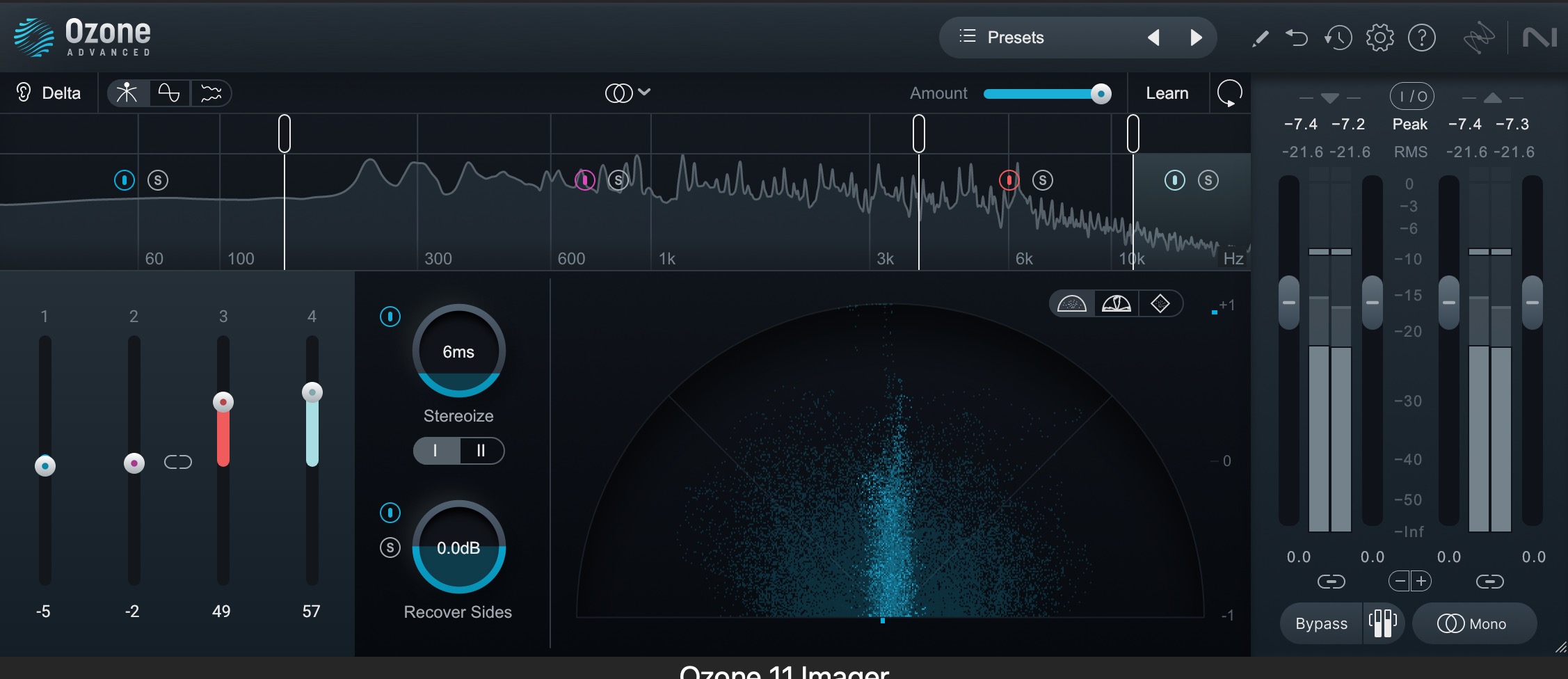
iZotope's free stereo imager. Four bands, individual width control per band, vectorscope built in. The reason this one's worth using over other free wideners is the per-band control.
Narrow the sub frequencies and keep the low end mono. Open up the high mids and highs. This is what most engineers do on the master bus anyway — the sub needs to be tight and centred, everything above it can breathe. Doing it this way avoids the phase issues you get from just widening everything at once.
Useful on the mix bus, on individual synths, on stereo samples that are too wide or too narrow. The vectorscope shows you what's actually happening in real time which helps when your ears are tired.
 Download: izotope.com — free, VST/AU/AAX, Mac & Windows
5. Valhalla Supermassive — Valhalla DSP
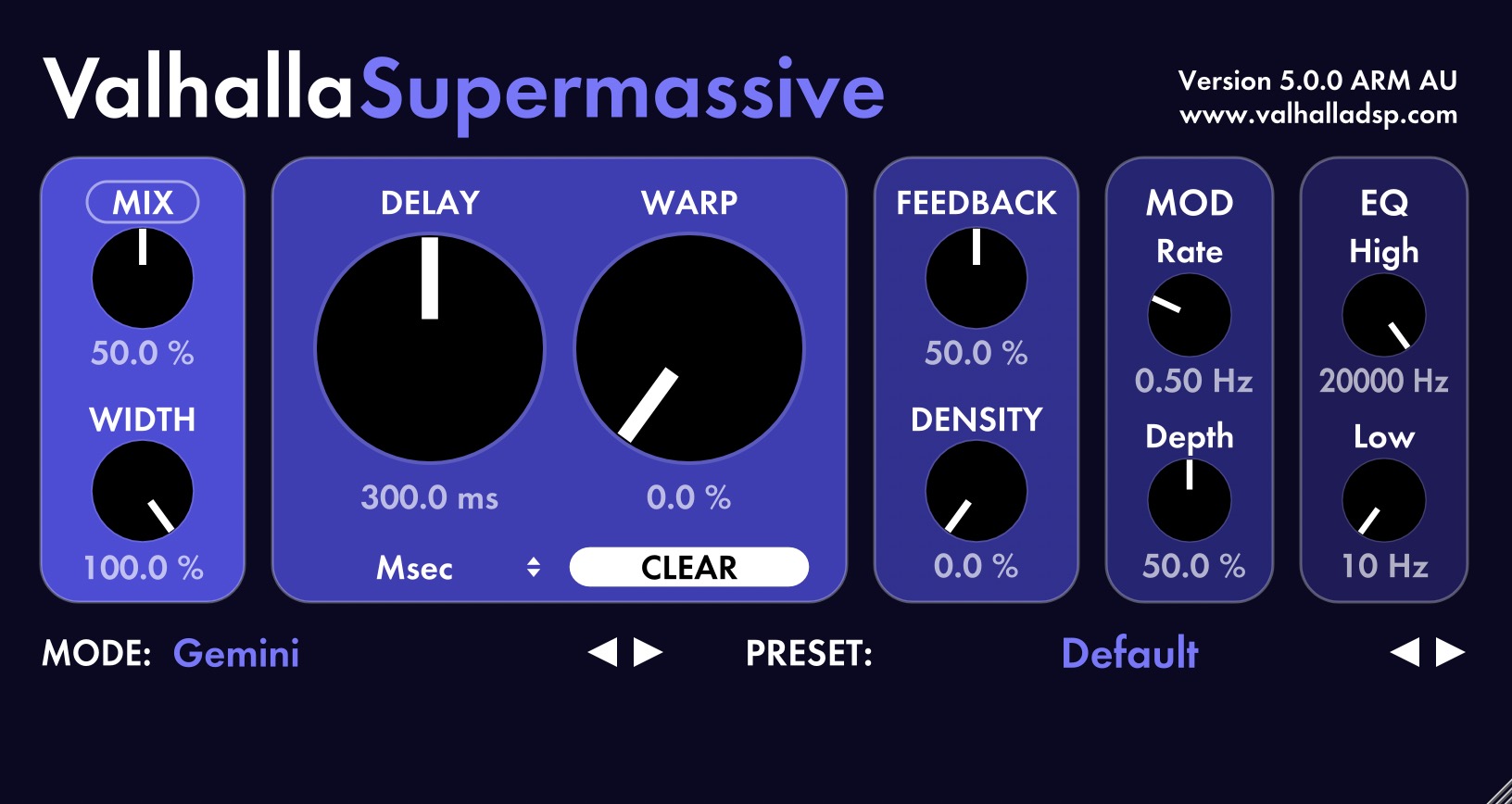
Valhalla make some of the most respected reverbs in the industry. Supermassive is their free one. 22 modes, ranging from tight ambience to reverb tails that decay over literal minutes. The WARP control shifts the character of the sound from simple echoes into something more textural and evolving.
Best used on a parallel send rather than direct. Run it at low mix levels underneath leads and pads to add space without washing out the sound. Crank it on a return channel for sound design and it becomes something else entirely. It's a versatile plugin that rewards experimentation.
 Download: valhalladsp.com — free, VST/AU/AAX, Mac & Windows
6. SPAN — Voxengo
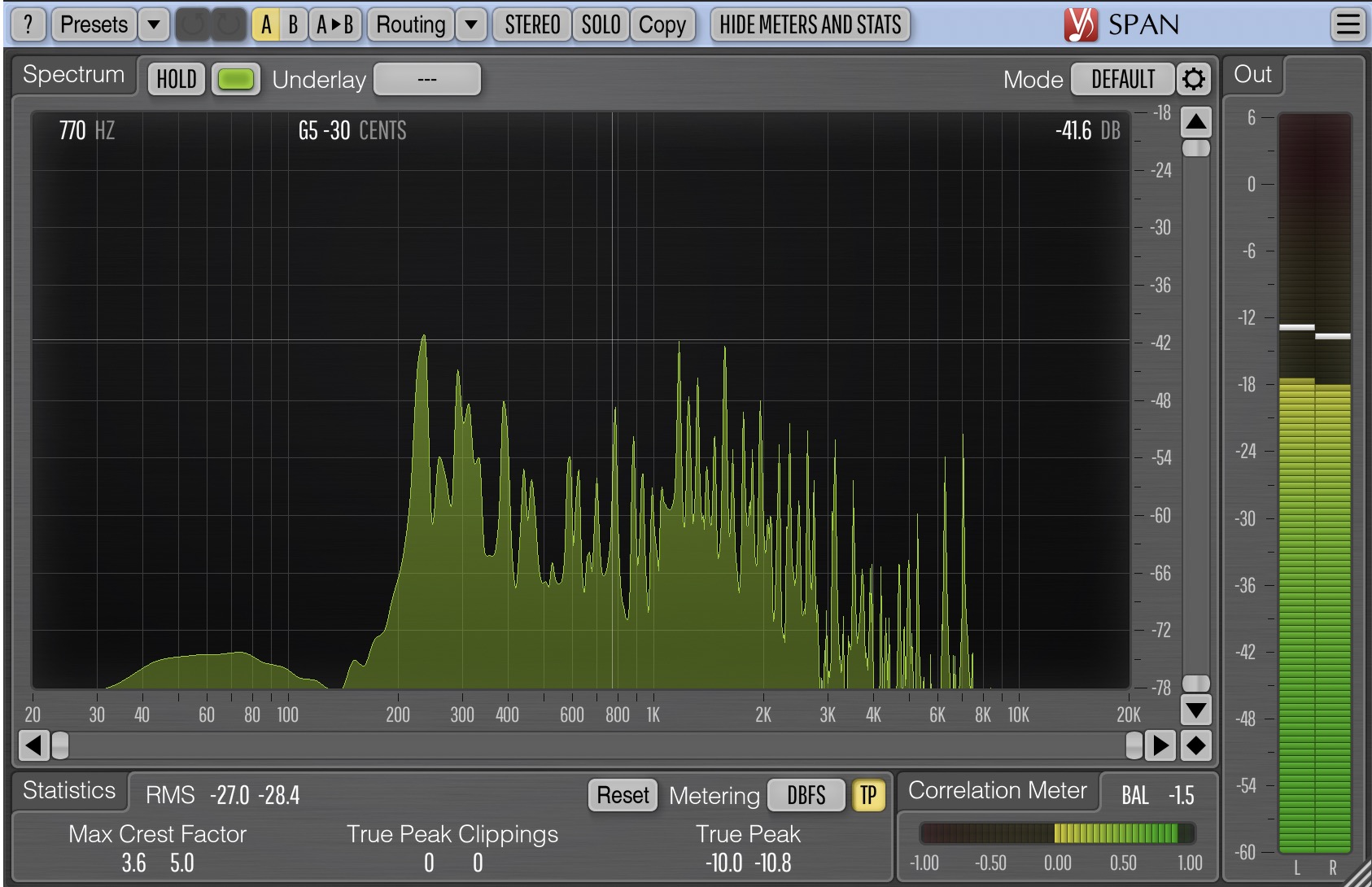
The best free spectrum analyser available. Real-time FFT display with adjustable slope, frequency range and averaging. You can display two channels simultaneously, which is useful for checking elements against the full mix or comparing two tracks side by side.
Every producer should have this open on the master bus. Use it to spot low-end build-up below 80Hz, check for harsh frequencies in the 2–5kHz range, and compare your mix against a reference track. It won't tell you what to fix but it shows you exactly what's there. A lot of mix decisions are easier when you can see them as well as hear them.
 Download: voxengo.com — free, VST/AU/AAX, Mac & Windows
7. Vital — Matt Tytel
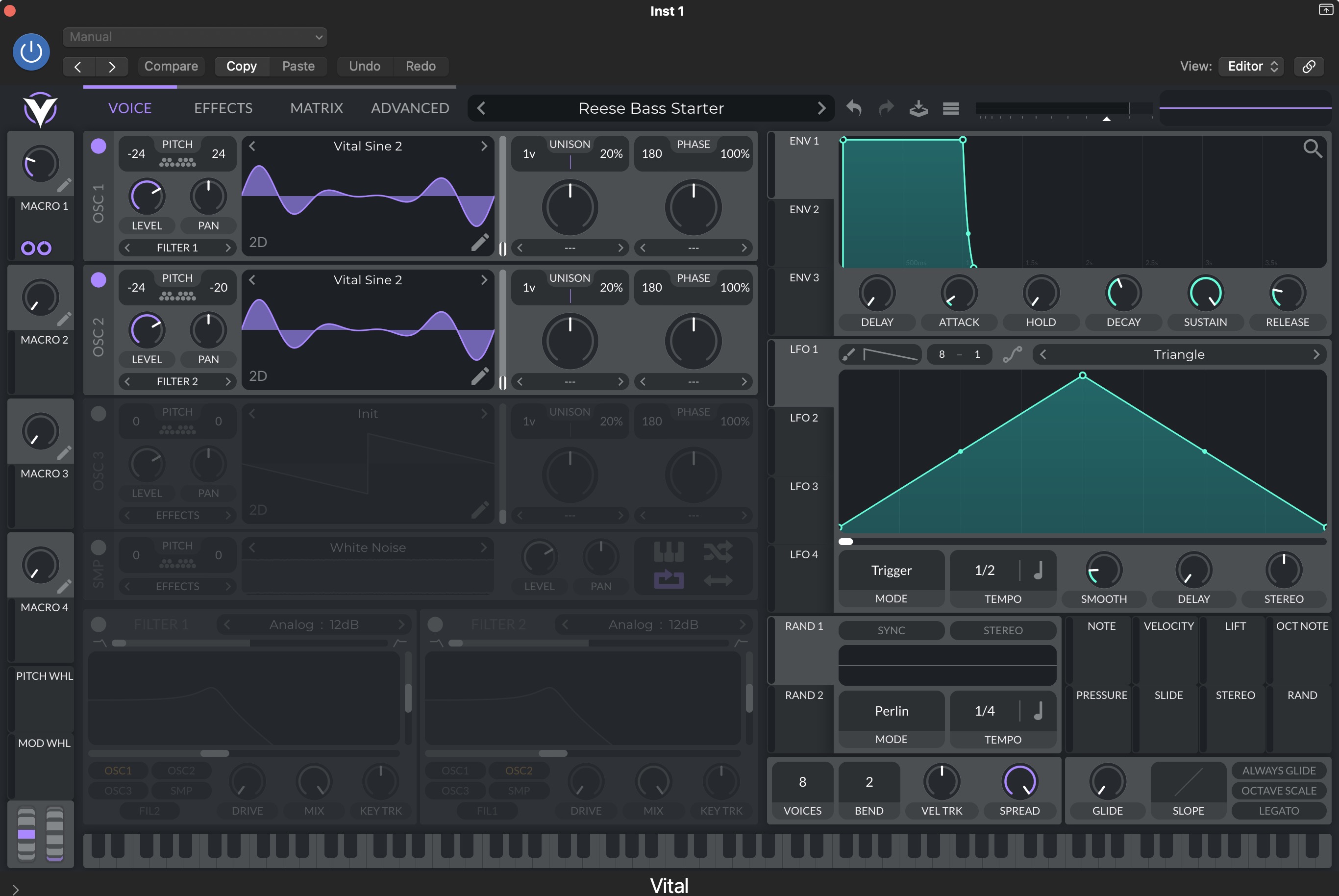
The best free synth available right now. Vital is a wavetable synthesiser with a drag-and-drop modulation system — you connect modulators to parameters directly in the interface, no separate routing page. The free version includes 25 wavetables and 75 presets, which is more than enough to start building sounds from scratch.
The spectral warping on the oscillators is what separates it from other wavetable synths. You can reshape the harmonic content of a wavetable in ways that basic playback doesn't give you. Import any audio file as a wavetable. Full effects chain included. The modulation system is deep enough that you can spend months in it and still find new things.
If you haven't installed it yet, do it now.
 Download: vital.audio — free tier available, VST/AU/CLAP, Mac, Windows & Linux
Conclusion - Just because it's free doesn't mean its not a top qaulity tool
All seven are free, all seven are genuinely useful, and none of them are going anywhere. Download them once and they'll be part of your toolkit for years. The paid plugins can come later — these cover most of what you need to get a mix sounding right.
Get better at production — free
Download free tools, project files and get tips straight to your inbox.
Download Free Resources